
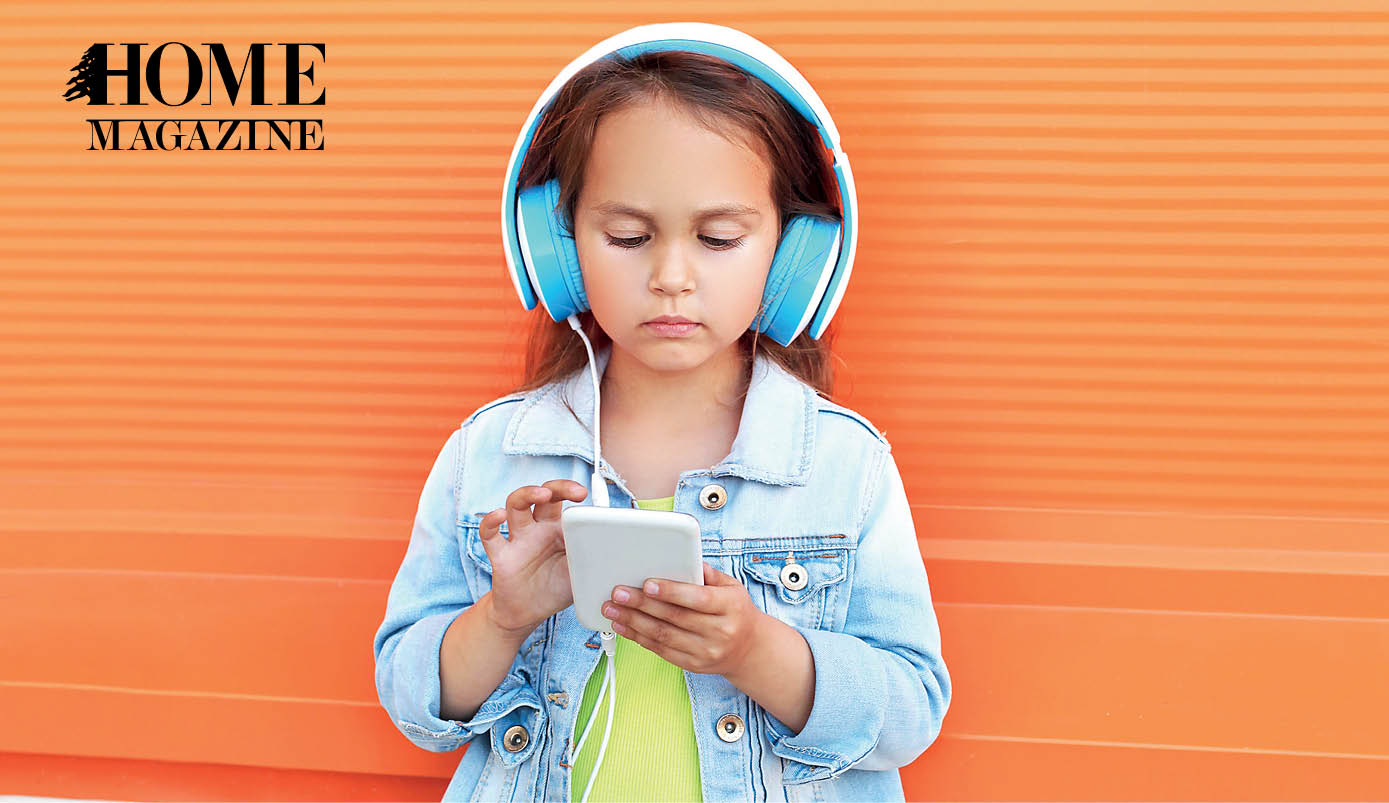
Children benefit from music instruction; new music game apps make learning fun!
Exposure to music has a huge impact on brain development. Recent studies from the University of Southern California, the University of Montreal and Beijing Normal University all provide evidence of a variety of benefits from early music instruction. It accelerates brain development, improves brain connectivity and enhances the ability to process information from the senses.
Want your child to explore the fun-filled world of musical instruments and learn to read music? Here’s a closer look at some music apps that introduce young children to the world of music and help build their musical background.
Note Perfect
This is a pocket workout for music students to test and improve their note reading against the clock. This addictive and enjoyable game is fun for all ages and an ideal way to boost skill and confidence in reading music.
Its game features, described in the App Store, include a “funky” intuitive design; gameplay in a choice of four different clefs; a choice of difficulty level (beginner, intermediate or virtuoso); and the option to compete with friends for “the top rank on the high score hall of fame.”
Note Perfect can be used in the classroom. To play the app, students need to select the clef (whether it’s treble, alto, tenor or bass) they would like to learn and then select the difficulty level. Students are timed in selecting a note and then testing their memory skills and level. It is useful after a lesson in notation learning and for HOMEwork.
 Perfect Ear – Ear Trainer
Having well-developed aural skills and a sense of rhythm are essential for every music student and musician. Whether they want to improvise, figure out melodies by ear, recognize chord progressions or simply to tune the guitar without a tuner, having a good understanding of the basics, such as intervals, scales and chords, is crucial.
“Perfect Ear is an educational tool designed for musicians, music students and anyone interested in improving one’s musical ear,” its manufacturers say. it includes more than 260 individual exercises covering intervals, chords, scales and relative pitch.
This intuitive application provides high quality, unique ear training and rhythm training. It combines several key features such as the ability to create custom scales, chords and rhythm training exercises; theory articles; melodic dictation exercises; sight-reading trainer; absolute pitch trainer; note singing trainer and a scale dictionary.
Tongo Music
This music exploration app is suitable for the whole family and provides hours of educational entertainment.
It features both a thorough introduction to classical music pieces and instruments of the orchestra, as well as interactive play with musical notation.
It also encourages free exploration and play to help players develop a deep appreciation for many famous classical pieces and composers.
There is also a wide array of activities, ranging from watching video shorts to making music on a piano and playing rhythms on percussion instruments.
Tongo Music is completely nonverbal, so it’s suitable for even the very young. There is a protected parents’ area that links to an extensive guide, encouraging even non-musical parents to share information and strengthen understanding with their children. This will prepare them to add value to their children’s experience as they play.
Users can swipe to the left or right, and the title character will take off on a musical adventure. Tap nearly any creature or plant, and the app will open one of dozens of interactive or video-based activities, featuring different instruments, compositions or interactive scenes. Children will see, hear and play for hours on trumpets, flutes, stringed instruments and pianos, as they watch the animations. The colorful animations are kid-pleasers, too, ranging from dancing swans to a curious monkey and a delightful animal parade. There is also a variety of types of music, including selections from Bach, Mozart and Tchaikovsky to listen to.
 The Little Composers
Piano
This application enables kids to instantly compose, edit, play and publish (optional) their own music without taking years of music lessons. They only need to know the first seven letters of the alphabet.
It contains several features, including the built-in mentor mode that guides beginners and an edit mode that allows for easy and quick changes, allowing children to focus on any given measure.
Once a composition is finished, they can listen to it, play it on the realistic sounding piano keyboard, and even save it for later use. There’s also a teaching mode that brings every composition children make to life by teaching them how to play what they create, using visual cues. The playback slider allows a child to select the tempo to maximize the learning experience.
Finally, this application has a song mode that stores multiple melodies, giving children the chance to play everything they have recorded, including all the edits and previously saved songs.
As for the optional step, the publishing mode, it turns the compositions into real music notes and allows children to publish their melodies for the world to hear.
Crayola DJ
If you have a potential DJ or music lover in your house, Crayola DJ is a suitable fun music app that gives your child a chance to put their DJing skills to the test. Two turntables and a bunch of buttons greet them when they first open Crayola DJ. Each turntable focuses on a different type of track, and children can add multiple tracks to each turntable.
They can also add sound effects on top of the tracks, and test all the sound effects and tracks individually before getting into the mixing process.
Children can mix tracks from different genres, including hip hop, fusion and holiday music, with fun sound effects to create beats. They can also take their skills to a dance party, where they compete solo or against a friend to see who has the top beat-making skills.
While the goal of the dance party is to earn points by performing different tricks and mixing unique sounds, children have all the control to create the kinds of beats they want to hear.
For more info:



HOMEland THEMES
Coming Soon
HOMEland Events & Collaborations
Coming Soon
 Signature Boutique