
HOMEland
Coming Soon
HOMEland Events & Collaborations
Coming Soon
 Signature Boutique


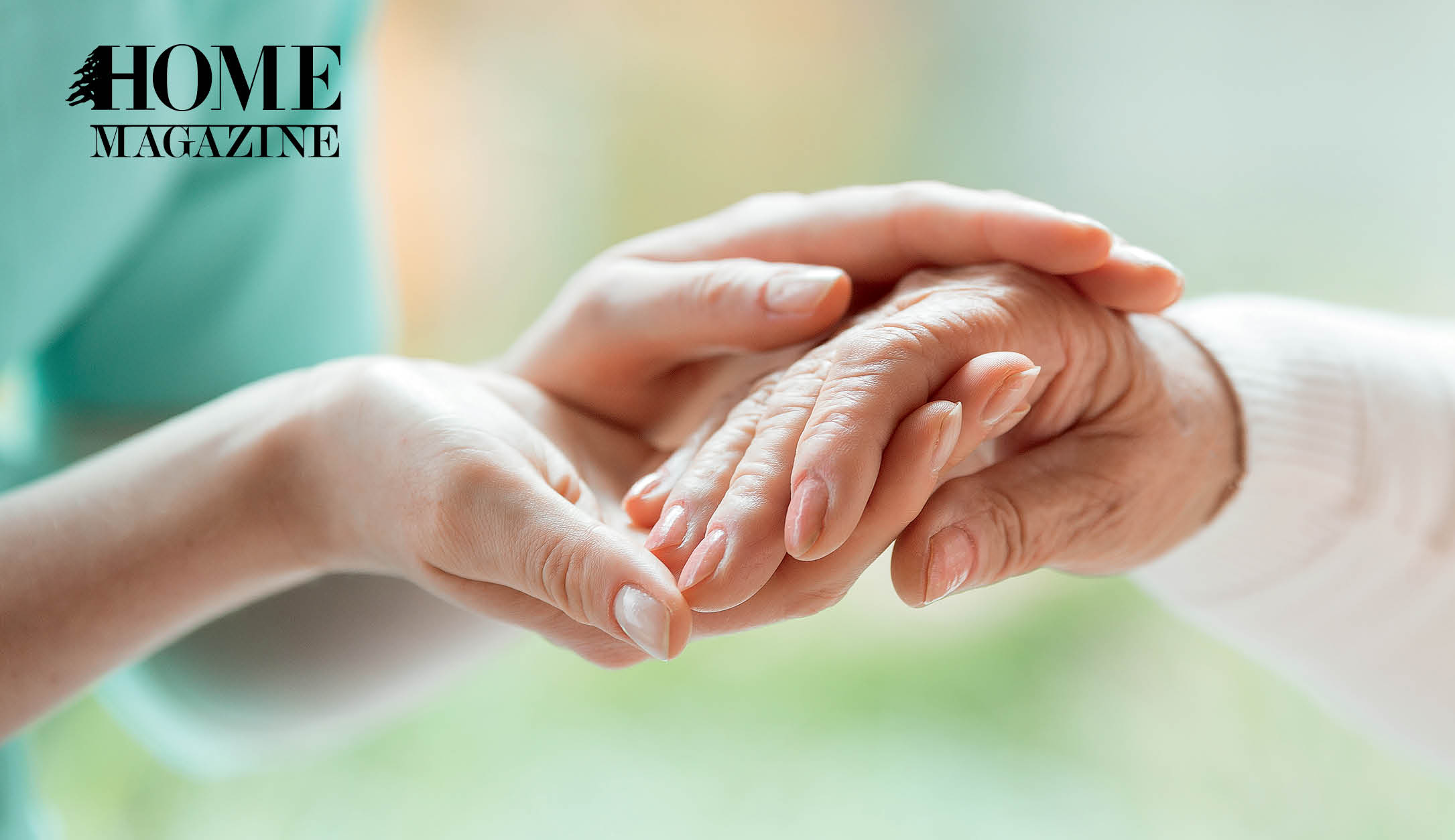
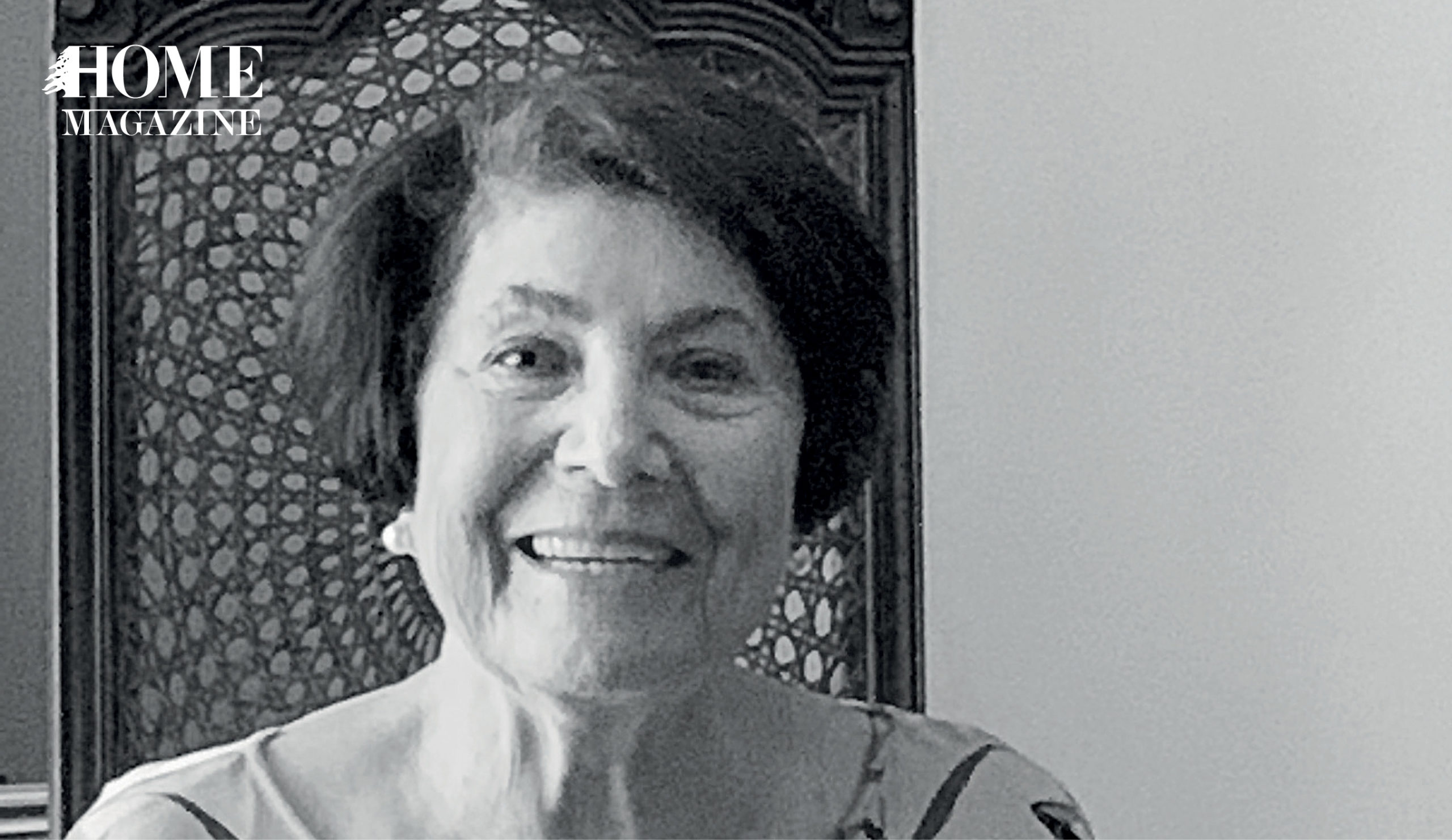
Georgette, 83, never thought of the idea that she might be susceptible to falling. After all, she never really moved much and when she did, she used to calculate her steps carefully.
Two years ago, however, at midnight of a July evening, Georgette was taking her usual walk to the bathroom. But, she suddenly started feeling dizzy and before she could cling onto the door handle, she lost her balance and fell on the floor. Her daughters woke up to the sound of her crying on the bathroom floor, unable to move nor lift herself up.
After almost two years in bed, she was assigned to a physiotherapist who heavily advised her to be active again and helped her regain her strength through good exercise.
Prior to that incident, her neighbors always described her as a frail woman who was not active at all and used to sleep all day. Her only pastime consisted of having coffee with guests. Today, however, Georgette enjoys long walks daily around the neighborhood with her daughter.
The case of Georgette is just another run-of-the-mill story for the Lebanese population. As Lebanese people, unfortunately, the majority of us happen to know someone in a similar situation as Georgette.
This is not to say, though, that such incidents are only encountered in Lebanon. In fact, falls and fall-induced injuries in elderly have been – and still are – a worldwide health concern because they can result in long-term functional impairment and increased mortality.
In the United States, falls are the main reason for injury-related visits to emergency rooms. In fact, they are the primary cause of accidental deaths in persons 65 years of age and above. With aging, the mortality rate for falls increases significantly, regardless of sex, race or ethnicity, with more than 70 percent of people over the age of 75 dying accidentally because of a fall.
But what are the main causes for elderly falls?
According to physiotherapists, there are many reasons for such incidents.
1. Weak bones and structure: As people age, it is no surprise that their bones become weaker, and they become more prone to falling. In addition, studies have shown a positive correlation between caffeine and alcohol intake and higher risks of hip fractures because they decrease the absorption of calcium by the bones.
2. Imbalance: Whether it is because of the carpets and slippery floors at HOME or the uneven pathways and poor lighting on the streets, it is very easy for people to lose their balance and, eventually, end up falling.
3. Neurological diseases: Diseases such as Parkinson’s and Alzheimer’s, among others, can also lead to dizziness and imbalance, which in turn can seriously affect one’s potential to fall.
After a fall, many people have reported experiencing depression, anxiety, loss of independence and even social withdrawal.
So what can you do to stay on the safe side?
On the individual level:
These are some simple steps that you can follow to avoid (or at least mitigate) the problem:
Step 1: If there is one thing that we can learn from Georgette’s path to recovery, it is that one should always stay active. Whether you are taking long walks in the neighborhood or just wandering in the house, you are working on strengthening your bones, reducing your risk of falling and, thus, avoiding various fall-induced injuries.
Step 2: Limit your consumption of caffeine, alcohol, and certain medications (after having consulted your doctor, of course). Less intake of such substances can greatly enhance your bones’ absorption of calcium, a crucial component for strong, healthy bones.
Step 3: If you happen to know someone who is prone to falling and injuring themselves, work with them to help them understand their situation and to raise their alertness of this issue.
On the governmental level:
In contrast, the government should also start to take action.
Step 1: The Lebanese Government should work on fixing all its uneven streets. This not only helps the elderly, but the entire Lebanese population as well. It should also work on building specific pathways that are elder-friendly.
Step 2: The Lebanese Government should start investing in health promotion programs to shed light on the issue and spread the message of its causes, effects, and consequences. In addition, it must work on training healthcare providers and experts to raise awareness of how to prevent and treat such falls.
Many countries around the world, such as the United States, the United Kingdom, Germany and others have implemented several health promotion programs for elderly to prevent falls and reduce fall-induced injuries. These include increasing activity levels among older adults, providing them with a well-balanced diet, and even working on improving their aquatic fitness.
It remains to be seen if Lebanon will follow suit soon enough.
Until then, however, don’t forget to stay active!
For more info:
https://mainehealth.org/healthy-communities/healthy-aging/matter-of-balance
http://www.activeliving.info/
http://www.aeawave.com/
 Signature Boutique
Lebanon, in your inbox
HOMEland Magazine
We firmly believe that the internet should be available and accessible to anyone, and are committed to providing a website that is accessible to the widest possible audience, regardless of circumstance and ability.
To fulfill this, we aim to adhere as strictly as possible to the World Wide Web Consortium’s (W3C) Web Content Accessibility Guidelines 2.1 (WCAG 2.1) at the AA level. These guidelines explain how to make web content accessible to people with a wide array of disabilities. Complying with those guidelines helps us ensure that the website is accessible to all people: blind people, people with motor impairments, visual impairment, cognitive disabilities, and more.
This website utilizes various technologies that are meant to make it as accessible as possible at all times. We utilize an accessibility interface that allows persons with specific disabilities to adjust the website’s UI (user interface) and design it to their personal needs.
Additionally, the website utilizes an AI-based application that runs in the background and optimizes its accessibility level constantly. This application remediates the website’s HTML, adapts Its functionality and behavior for screen-readers used by the blind users, and for keyboard functions used by individuals with motor impairments.
If you’ve found a malfunction or have ideas for improvement, we’ll be happy to hear from you. You can reach out to the website’s operators by using the following email
Our website implements the ARIA attributes (Accessible Rich Internet Applications) technique, alongside various different behavioral changes, to ensure blind users visiting with screen-readers are able to read, comprehend, and enjoy the website’s functions. As soon as a user with a screen-reader enters your site, they immediately receive a prompt to enter the Screen-Reader Profile so they can browse and operate your site effectively. Here’s how our website covers some of the most important screen-reader requirements, alongside console screenshots of code examples:
Screen-reader optimization: we run a background process that learns the website’s components from top to bottom, to ensure ongoing compliance even when updating the website. In this process, we provide screen-readers with meaningful data using the ARIA set of attributes. For example, we provide accurate form labels; descriptions for actionable icons (social media icons, search icons, cart icons, etc.); validation guidance for form inputs; element roles such as buttons, menus, modal dialogues (popups), and others. Additionally, the background process scans all the website’s images and provides an accurate and meaningful image-object-recognition-based description as an ALT (alternate text) tag for images that are not described. It will also extract texts that are embedded within the image, using an OCR (optical character recognition) technology. To turn on screen-reader adjustments at any time, users need only to press the Alt+1 keyboard combination. Screen-reader users also get automatic announcements to turn the Screen-reader mode on as soon as they enter the website.
These adjustments are compatible with all popular screen readers, including JAWS and NVDA.
Keyboard navigation optimization: The background process also adjusts the website’s HTML, and adds various behaviors using JavaScript code to make the website operable by the keyboard. This includes the ability to navigate the website using the Tab and Shift+Tab keys, operate dropdowns with the arrow keys, close them with Esc, trigger buttons and links using the Enter key, navigate between radio and checkbox elements using the arrow keys, and fill them in with the Spacebar or Enter key.Additionally, keyboard users will find quick-navigation and content-skip menus, available at any time by clicking Alt+1, or as the first elements of the site while navigating with the keyboard. The background process also handles triggered popups by moving the keyboard focus towards them as soon as they appear, and not allow the focus drift outside it.
Users can also use shortcuts such as “M” (menus), “H” (headings), “F” (forms), “B” (buttons), and “G” (graphics) to jump to specific elements.
We aim to support the widest array of browsers and assistive technologies as possible, so our users can choose the best fitting tools for them, with as few limitations as possible. Therefore, we have worked very hard to be able to support all major systems that comprise over 95% of the user market share including Google Chrome, Mozilla Firefox, Apple Safari, Opera and Microsoft Edge, JAWS and NVDA (screen readers).
Despite our very best efforts to allow anybody to adjust the website to their needs. There may still be pages or sections that are not fully accessible, are in the process of becoming accessible, or are lacking an adequate technological solution to make them accessible. Still, we are continually improving our accessibility, adding, updating and improving its options and features, and developing and adopting new technologies. All this is meant to reach the optimal level of accessibility, following technological advancements. For any assistance, please reach out to
