
The American University of Beirut is embarking on a five-year digital transformation that is elevating e-learning projects to a more strategic institutional level. Three instructional designers charged with leading the way were invited to share their story with HOME.
With today’s technology-driven world, higher education institutions constantly find themselves seeking opportunities for innovation in e-learning. The American University of Beirut (AUB) has been leading the way in blended learning for more than a decade.
At AUB, the implementation of e-learning initiatives and projects are centralized to the IT-Academic Services Department, a unit under the Office of Information Technology. That is where we work to develop and deliver innovative digital learning experiences. It is exciting to empower faculty members to achieve creative teaching, high quality research, effective learning and a solid online presence.
For more than a decade, we have had the opportunity to be involved in a number of grassroots projects in the field of e-learning at AUB. These projects have been faculty-driven and part of the international wave that is slowly but surely driving the cultural change in higher education.
Now more than ever, investing in innovation is critical. Creative ideas – usually seen as innovative – help institutions improve, move forward and be better.
One of these projects, the annual Conference on Effective Teaching and Learning in Higher Education, aims at engaging a community of faculty members (from AUB and other universities) with regional and international experts to share knowledge and best practices in teaching and learning. The theme of the 2018 conference was “Transformative Learning in Higher Education.”
The topic of virtual reality resonated throughout the two days of the conference. Augmented and virtual realities (AR/VR) empower learners to discover and explore. They are presented as a field of limitless possibilities, promising to add great value to the educational system.
In VR, students are immersed in a completely artificial environment. They can dive into the human body or explore another country and culture without actually being there. In AR, digital information is overlaid on objects being viewed. For example, an AR app for phones called “Star Walk” allows students to point their phones to the sky, while the app identifies constellations and calls up information about them. It is very motivating to see the entire classroom heading out at night to compete and be the first to discover the North Star.
AR and VR allow you to learn by doing. Instead of learning by listening only, students in the virtual environment can have the opportunity to get a sense of authentic and real experiences that are not possible in the traditional classroom. It allows students to experience rare and dangerous situations, practice surgeries and even learn consequences of failure in specific scenarios. And, more importantly, they become active rather than passive learners.
“In VR, students are immersed in a completely artificial environment. They can dive into the human body or explore another country and culture without actually being there.”
In a 2016 survey of teachers conducted by Samsung, results showed 86 percent feel it is a challenge to keep students engaged, even with existing classroom technology. Meanwhile, 93 percent of teachers say their students would be excited to use virtual reality and 83 percent say that virtual reality might help improve learning outcomes.
Research shows that motivation has proven to be the number one factor for student learning. ‘‘The active participation of learners in hands-on activities has a particularly positive effect on the perceived enjoyment, resulting in their increased motivation for learning,’’ according to an article in the 2014 academic journal Computers in Human Behavior. AR environments combine learning materials and the real-time scene around students, providing them with opportunities to manipulate the objects on their own, increasing interactivity between students and the subject.
AR and VR allow students to learn by preference, rather than force. It focuses less on the concept of assessment and aims to particularly improve learning through experience. The roles of teachers also change in such cases from “deliverers” of knowledge to “facilitators,” opening a door for opportunities and exploration.
With all the hype about immersive technologies, the virtual world can easily remain a trend and fail to achieve the desired impact. That’s why it is important to remember that our purpose isn’t just to ride the wave of adopting cutting-edge technologies, but rather to take the time to understand the needs of the AUB community and empower champion faculty members to use AR/VR in an effective and researched way. Only this approach will ensure a meaningful, high-quality learning experience.
While Rome wasn’t built in a day and a culture change cannot be achieved in a week, we hope that AUB’s innovative footprint can continue to boldly inspire and continue to pave the way for impactful changes in the region and beyond.
 Rayane Fayed is an experienced AUB instructional designer and an emergent leader in e-learning. She is involved in developing instructional strategies for engaging web-enhanced, blended and online courses/modules that aim to optimize the learner experience.
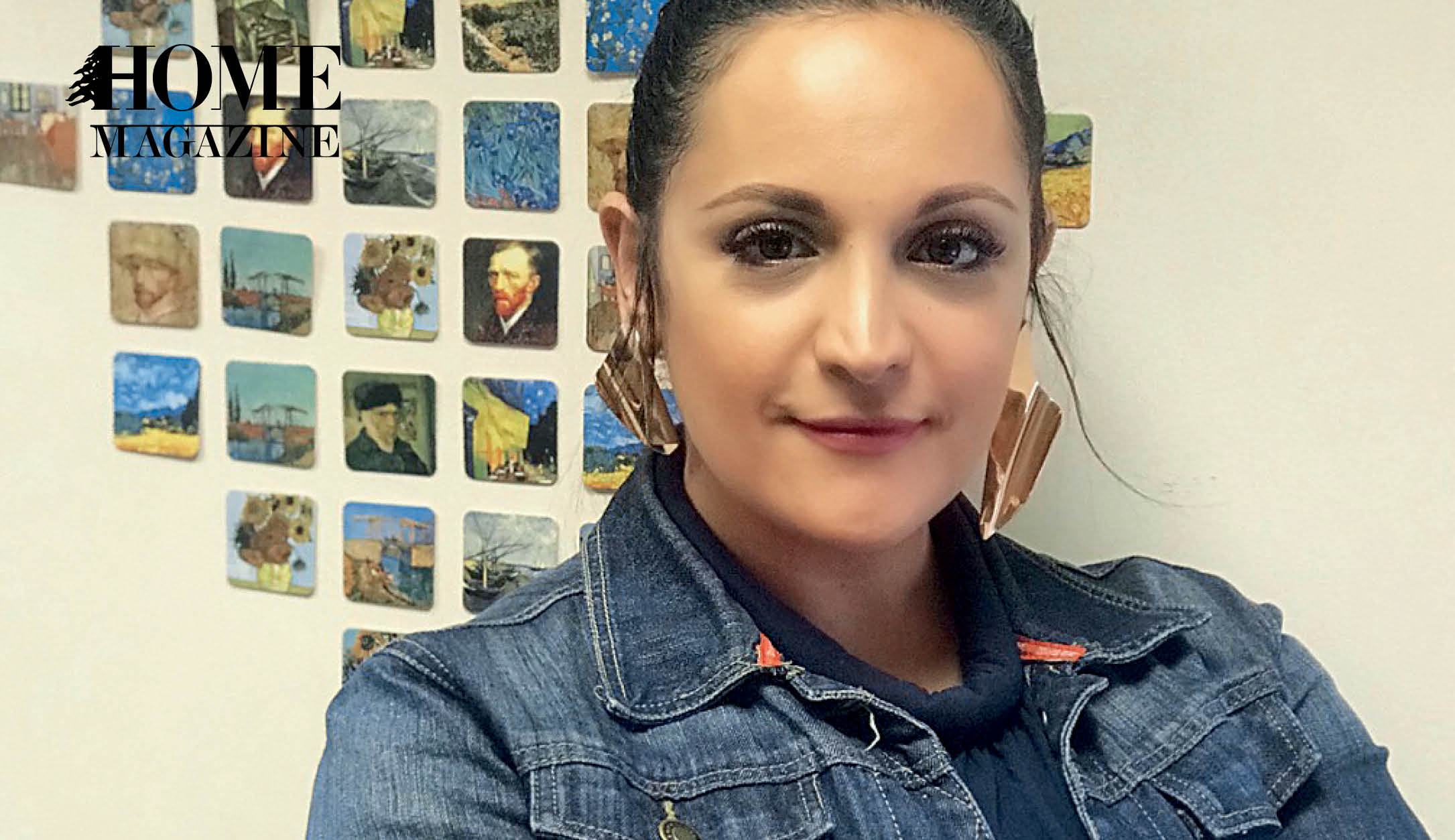 Rana Haddad is an AUB instructional designer with a fine arts and interactive multimedia background. In addition to working closely with AUB faculty to design interactive and engaging courses, she is involved in establishing a framework for creating change in e-learning at AUB with disruptive innovation that can bring new ideas and solutions to teaching, learning and research.
 Rana Al Ghazzi is an AUB instructional designer with a bachelor’s degree in electrical engineering and a master’s degree in engineering management, who aims to reengineer learning experiences to fit learners of all needs and abilities.



HOMEland
Coming Soon
HOMEland Events & Collaborations
Coming Soon
 Signature Boutique