
“I’ve got a question for Beirut,” says a young man projected on a large screen at the front of my classroom at Rafik Hariri University (RHU) in Mechref. “What’s it like to have that conflict in your backyard?”
A web camera pointed at 12 RHU students and a microphone sat in the center of the conference table. It was dark outside, but the morning sun shone through the windows of the Bellarmine University classroom we saw on the screen. That classroom was in Louisville, Kentucky — nearly 10,000 kilometers away from Lebanon.
Eager to dispel stereotypical images of Lebanon as a nation littered with bombed-out buildings and piles of rubble, RHU student Osamah Dabdoub responds, “Don’t get the wrong idea. We are having fun. We are partying, probably more than you.”
Through that collaborative Peace Communication class in Spring 2012 I taught with Claire Badaracco, Ph.D., students from different continents were brought together to discuss the role of media in shaping ideas about cultural identity, war, and peace. This was the first fully collaborative transnational blended class between a Lebanese university and an international one.
Our students communicated through distance-education technology, including video-conferencing and an online discussion board. We invited expert speakers and journalists from around the world into our video conferences.
Universities everywhere aim to “internationalize” the college experience to prepare students for today’s globalized world. Developments in technology over the past 30 years offer ways to bring geographically and culturally diverse students together, making international experience accessible to more than just those who can afford to study abroad.
Why does it matter?
Preparing students to be global citizens with intercultural communication skills and cultural sensitivity has become a focal point for higher education. Whether graduates will travel abroad to seek job opportunities or encounter foreigners on HOME ground or through social media, today’s youth are more likely to come into direct contact with people from different parts of the world than any generation before.
“Among American university students, empathy declined a whopping 48 percent from 1979 to 2009.”
While these digital natives can navigate the web with ease, this will not prepare them for global encounters. In fact, the ability to empathize is on the decline. University of Michigan research professor Sara Konrath, Ph.D., found that among American university students, empathy declined a whopping 48 percent from 1979 to 2009. This phenomenon appears to be a worldwide trend. We are living in what has been coined “The Age of Anger,” one characterized by political polarization and hardened group identities.
Online interactions in an educational setting provide opportunities to counter misunderstandings and stereotypes, and to teach students how to “be in someone else’s shoes.” Developing empathy is “transformational learning” that is best learned through experiences with others, according to research fellow Darla Deardorff, Ph.D., of Duke University.
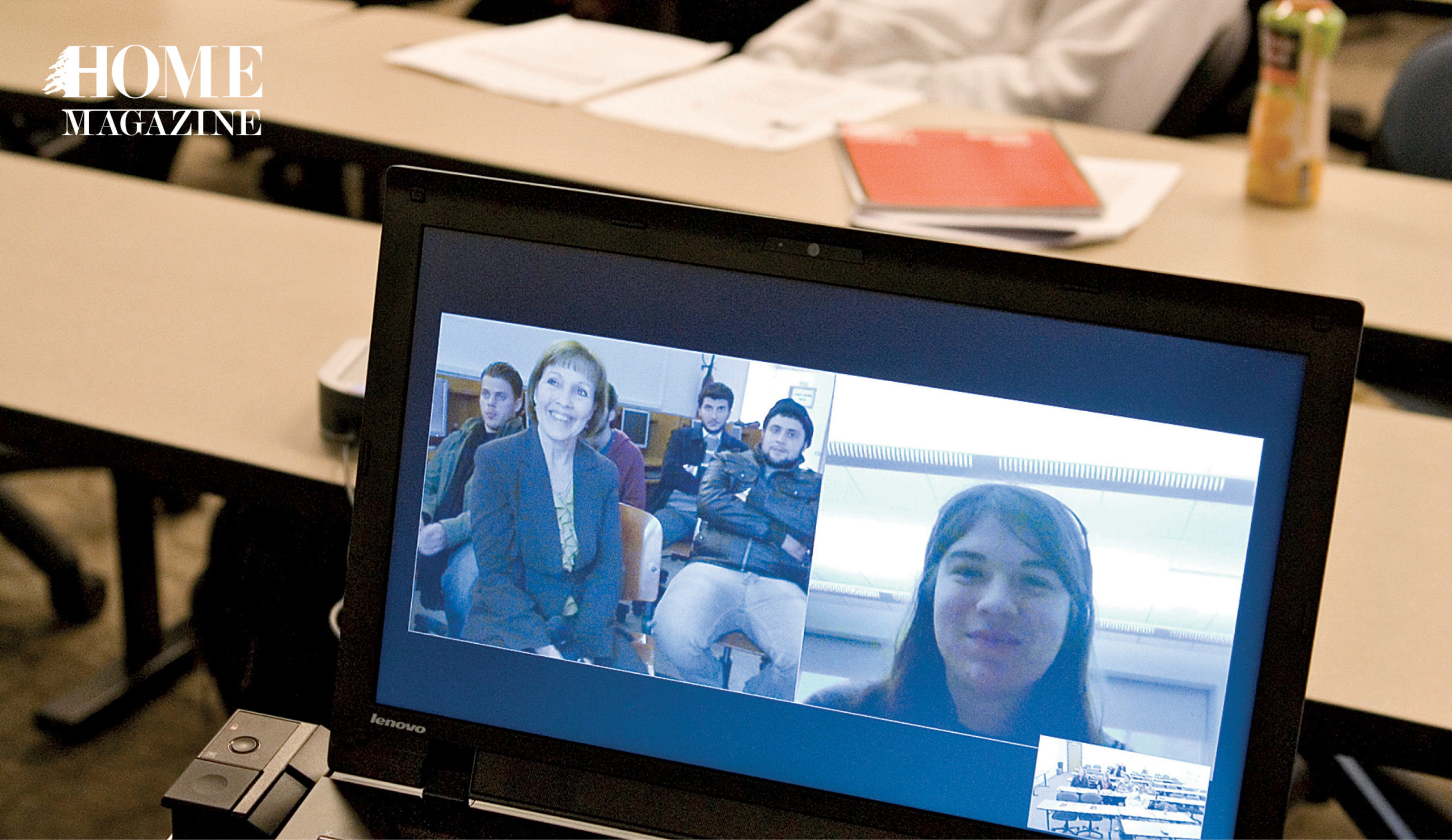 Classes from Rafik Hariri University, Marquette University and Bellarmine University participate in a teleconference on peace, war, and media – Photo courtesy of Bellarmine University/Geoff Oliver Bugbee
Lebanese students have opportunities to present alternative images of Arabs to Western students whose impressions have historically been influenced by what renowned scholar Edward Said, Ph.D., called “orientalism.” This refers to a Western colonial vision of Easterners as exotic and strange, more recently colored by media stereotypes of Arabs as terrorists. At the same time, students in Lebanon learn that they harbor misconceptions about American life that were shaped, in large part, by Hollywood.
“For once, I have the chance to go directly to the source of the mentality and culture, rather than getting it through the media,” says RHU student Dabdoub.
The growing popularity of class-to-class collaborative projects
Planning international online experiences for students is a time-consuming endeavor. To work out all the details, planning often begins a year ahead.
Faculty at universities throughout Lebanon are testing the waters. Professors who have studied or taught abroad or who frequent international conferences are enlisting colleagues from across the world to bring their students together online.
“Developing empathy is “transformational learning” that is best learned through experiences with others.”
Alexander Hartwiger, Ph.D., an assistant professor of English from the American University of Beirut (AUB), developed a collaborative project in 2012 with a professor at the University of North Carolina at Greensboro. They benefitted from expert support of the Collaborative Online International Learning Institute for Globally Networked Learning and a U.S. National Endowment for the Humanities grant. Since then, other AUB professors have created international class connections and the numbers rise each year.
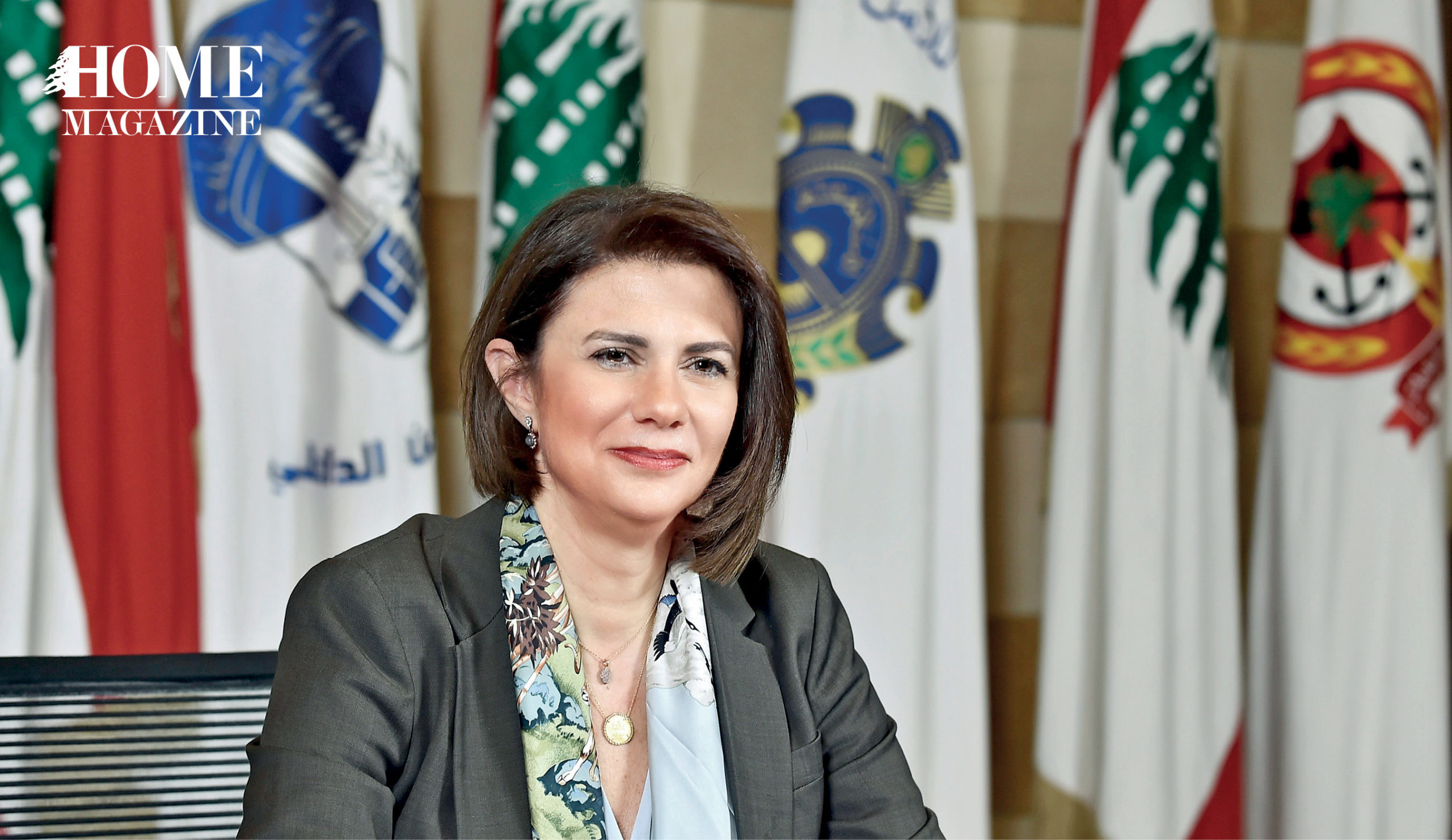
I moved back to the United States in 2018 to teach at Marquette University, so I began seeking collaborators in Lebanon. I reached out to a leader in media studies, Maria Bou Zeid, Ph.D., the chair of the Department of Media Studies at Notre Dame University – Louaize. We recently completed “the Key Pal Project” in which our students met regularly in small groups through Facebook to learn about each other’s culture and circumstances. At the end of the semester, students reported developing a greater understanding of each other.
“International collaborations are extremely useful for media students to help them break stereotypes about their cultures, expand their horizons, and boost their creativity,” says Bou Zeid.
I also had the privilege of working with Dr. Claudia Kuzman, assistant professor of journalism at the Lebanese American University (LAU). She shared plans for a project we decided to call the Media Summit, where LAU and Marquette University students explained how the media operated in their respective countries.
The excitement of global projects
While hiking in the Lebanese mountains, I met a professor from California State University, Northridge, who invited my RHU class to join “PopUp Newsroom.” Twice per year, students from various universities create multimedia news stories on a common topic that they launch on social media the same day using common hashtags. By reporting on poverty, shelter, women’s rights and other themes, students can compare how these issues play out across the world.
“Students in Lebanon learn that they harbor misconceptions about American life that were shaped, in large part, by Hollywood.”
Through involvement in one multi-university project, I met many other educators who share my passion for connecting students internationally. I was invited to join Global News Relay, a video broadcast project on a common theme, and GENII, the Global E-News Immersion Initiative, a cross-cultural reporting project where students report on what is happening in each others’ countries.
Being involved in these international collaborations has been among the most rewarding experiences of my career. They have allowed me to build relationships with colleagues from around the world while witnessing students develop empathy and cross-cultural sensitivity.

HOMEland THEMES
Coming Soon
HOMEland Events & Collaborations
Coming Soon
 Signature Boutique