

Coding classes are changing the way children see their future at Home of Hope, a HOME for abused, abandoned, and orphaned children in Lebanon.
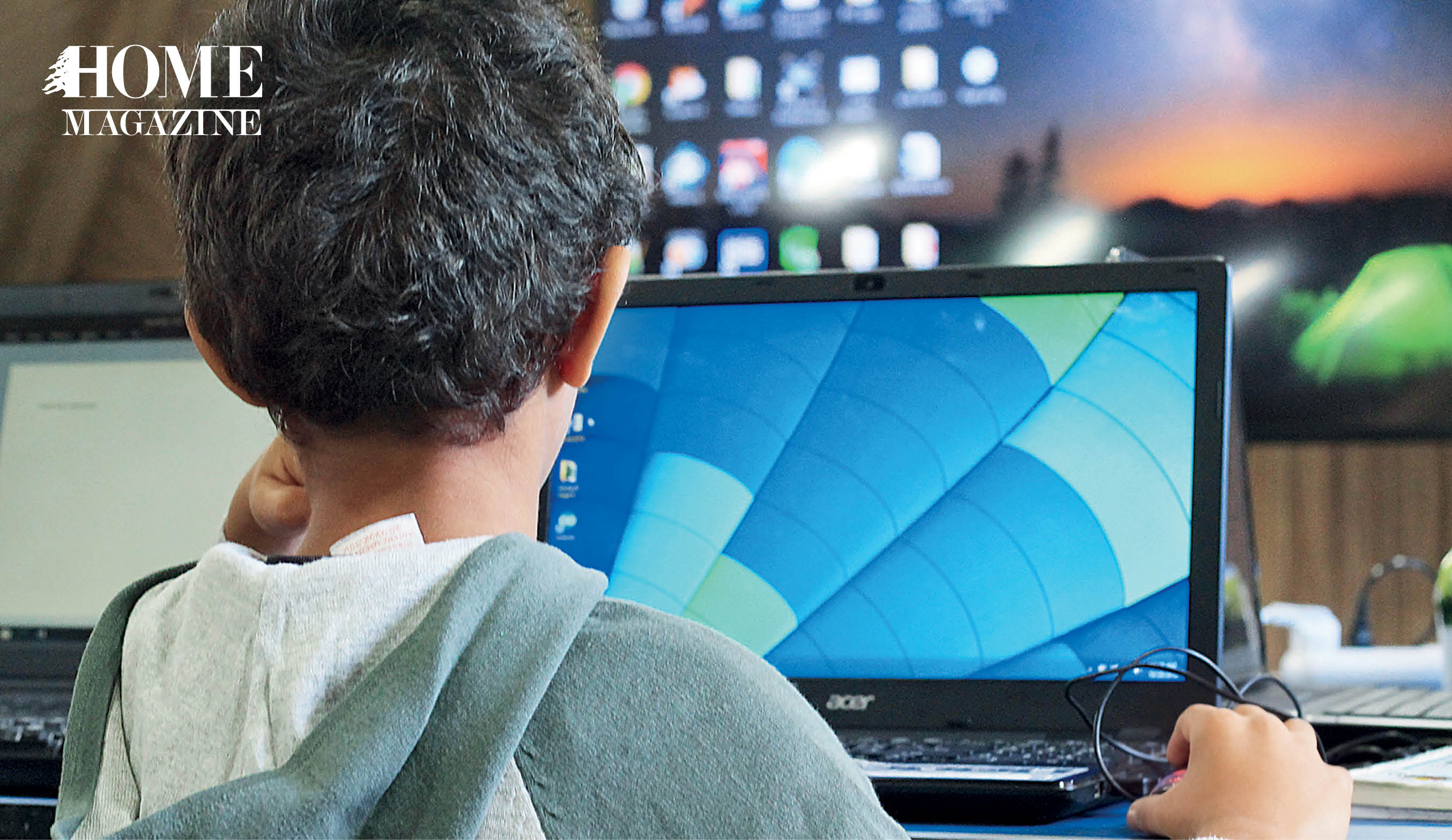
I am led to a classroom at the top of the seven-story building. As I enter, I can only hear tapping, clicking and the occasional hushed word of encouragement from the teacher, Samah. The students are absorbed and barely register my presence as I scan their screens, which display a jumble of sums and equations. They are learning how to instruct computers to perform simple tasks – but the skills they learn here may transform their future prospects.
Home of Hope was established in 1999 for the most vulnerable and unfortunate kids in Lebanon. It is responsible for the education of up to 75 children from Lebanon and Syria between the ages of 3 and 21.
Walking around the HOME, which is well-stocked with games and HOMEmade motivational posters, it is easy to forget the trauma that most children suffered before they arrived. Steven Wilbur and Clementine Brown are co-directors of CodeBrave. Wilbur explains how much things have changed in the last two years.
“When I first arrived, the place was a prison for kids. The children stayed all day behind a metal door, in rooms that only had beds in them. I’d go downstairs sometimes and they’d be fighting with no one to pull them apart. It was basically anarchy.”
“We taught a 16-year-old girl how to tell the time. She’d never learned these really basic things because of the life she was forced to live.”
“Our first job was to bring some kind of order to their lives – for instance, how to go to class. Many had never been to school. We taught a 16-year-old girl how to tell the time. She’d never learned these really basic things because of the life she was forced to live.”

“We spent the first year just trying to get people to go to class. I don’t know how much learning or literacy happened. We were doing this odd experiment; we’ve had kids who have survived for multiple years living on the street on their own. What happens if you take a kid like that, who has been their own boss, and say ‘trust me now, as an adult’. Why would they?”
Brown, co-founder, had seen how massive unemployment affected both Syrians and Lebanese financially and psychologically. “There are a whole host of social, legal and financial barriers that make the prospect of regular and safe employment slim, not least of which is the restriction on Syrians and Palestinians working in Lebanon in all sectors except agriculture, construction and environment,” she said.
Such jobs are low-paid and frequently exploitative, Brown explains. “Coding and digital skills lend themselves to online work for international employers, circumventing these restrictions.”
There is an age at which the children become more aware of the severity of their situation, Wilbur explains: “Around 14 or 15, they start to realize: ‘oh, my situation is kind of grim.’ I often see a look in their eye that says: ‘I don’t know what I’m going to do.’ It is very chilling to see. It expresses itself as anger, but I think it’s fear.”
Wilbur says they had always had problems with classroom attendance – until he and Brown co-founded CodeBrave, a program designed to teach children how to code.
“One of our older kids came into my office and said, ‘Wilbur I want to learn how to code Python.’ I had never heard anything like this before. I said ‘What? That’s great! How did you find out about Python?’ He told me he saw it in a book.”
“What happens if you take a kid like that, who has been their own boss, and say ‘trust me now, as an adult’. Why would they?”
“We ran a pilot program in the spring last year. Edutek (a Chtaura-based coding school for children) gave us four sessions to expose our kids and it went really well. The kids enjoyed it so they helped us put together our first ideas and connected us with our teacher, Samah.”
“By the summer, less than a year later, it was happening! I would really credit that student – he just said ‘we should have this,’ and now we do. I’ve been really humbled by the talented people who have come and helped out.”
Home of Hope has even changed the way children are thinking about money. To prepare them for life beyond the walls, Wilbur’s education team pioneered a ‘financial literacy’ program, encouraging children to see the long-term gains of saving their money, as he explains: “The kids earn money to go to school – it’s not a lot but enough to give them a sense of accomplishment. If they skip class they don’t make money. It teaches them about showing up for work.”
“This is a story I love. We have three kids who said, “We want to pool our money together to buy an Arduino (a small computer used to program robotics) to make a robot together.’ I was astonished by the amount of planning to do that. They had to save for most of the summer! The motivation, planning, collaboration, and sharing – two years ago, I just could not have imagined that would happen.”
Coding has captured the kids’ attention far more than traditional subjects. Wilbur thinks coding offers the perfect mix of practicality and fun: “Coding is a bit like playing a game. Unlike in math or English, you get to see the problem applied in real time. They get to say: I typed this or I hit this button and then something happened. There is immediate feedback. We hope to expand CodeBrave to other centers across Lebanon, because it gives kids real skills they can use in the workplace.”
Wilbur and Brown point out the unusually high female representation in their coding classes – elsewhere in the world, coding is traditionally male-dominated. But here at Home for Hope, CodeBrave was allowed to rewrite the rules and create new gender norms.
“In this HOME, kids don’t know what is going on outside in culture, except from occasionally watching TV. That’s a disadvantage when it adds to their fear of the outside world. But on the flipside, we can present something as normal – we can say: hey, this is normal, girls do coding. Because they do, right? People say girls don’t code. We say ‘mbela’ they do. And here are just a few.”


HOMEland
Coming Soon
HOMEland Events & Collaborations
Coming Soon
 Signature Boutique




Speaking Truth to Power: Pierre Sadek Foundation